
Turntable
The Turntable Tool is an automation solution designed for presentation of 3D assets within Unreal Engine. This tool facilitates the creation of 360-degree asset showcases by rotating the asset and lighting, providing customizable views with automated render sequences and post-processing options.
-
 Unreal Engine Blueprints
 -
 Python
Features
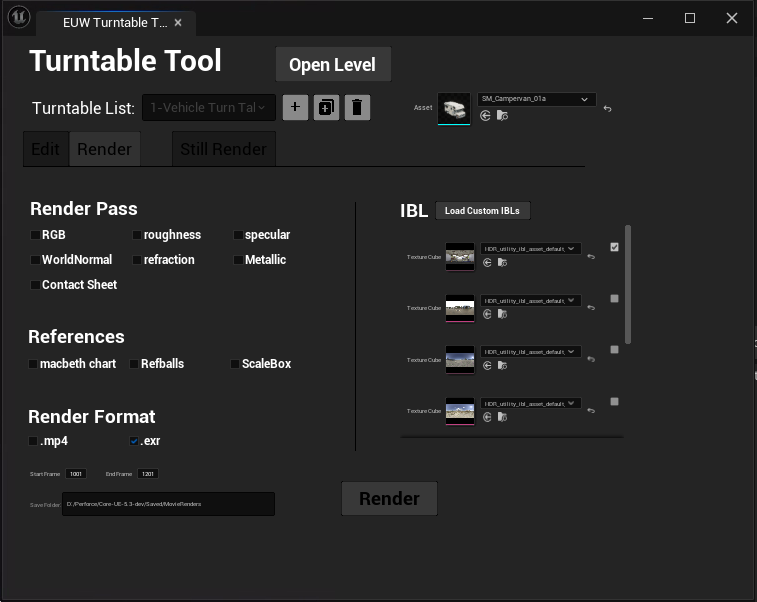
This tool allows users to load previously saved turntables, create new ones with default settings, and duplicate or delete the currently loaded turntable as needed. Users can also update the asset by changing the mesh and savig the turntable presets.
Editing Options The Edit tab allows for customizations to camera settings, including, distance, height, focal length, and aperture. There is also anoption to frame the camera asset's bounding box automatically, and the Save button preserves all settings.
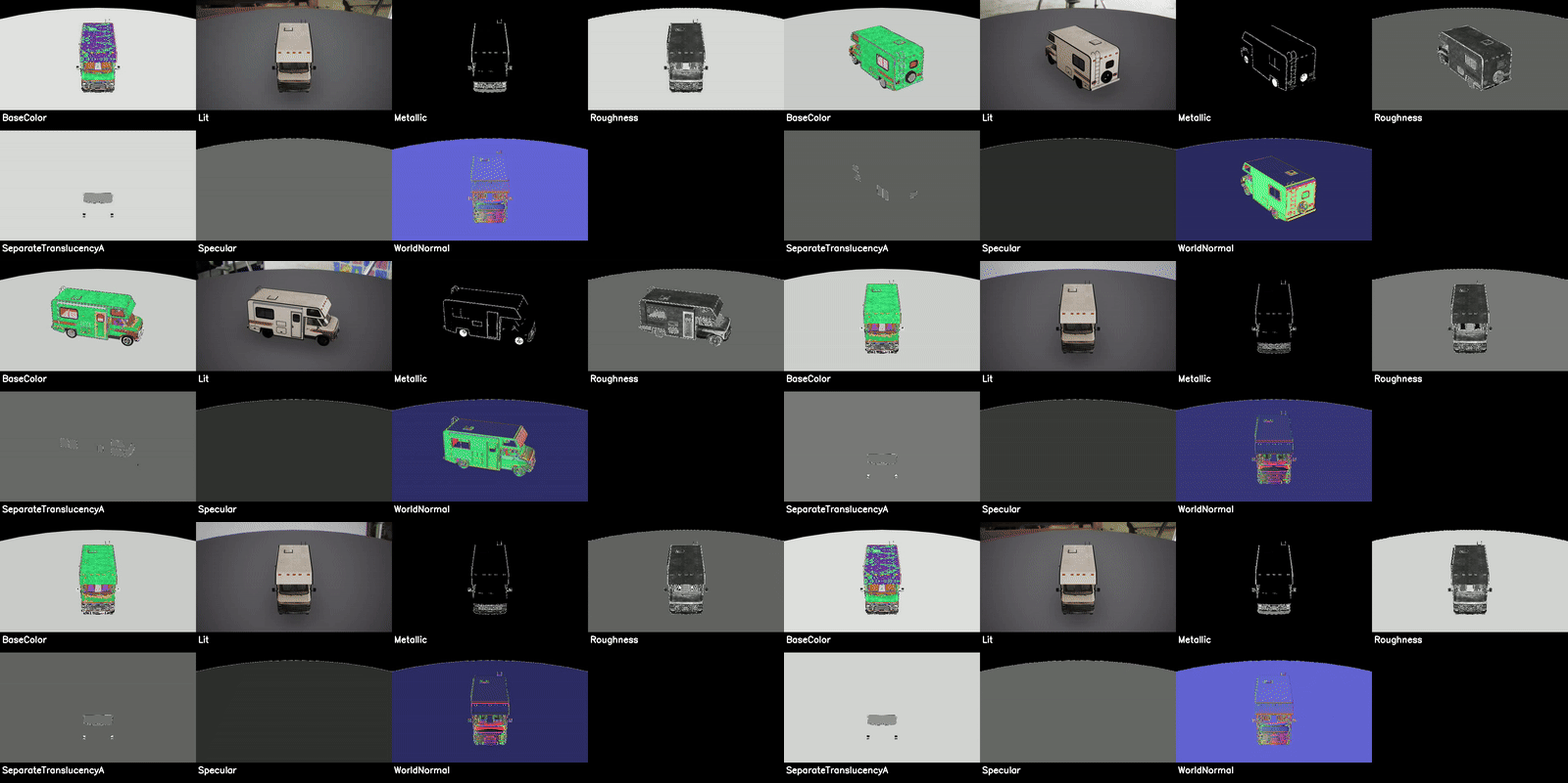
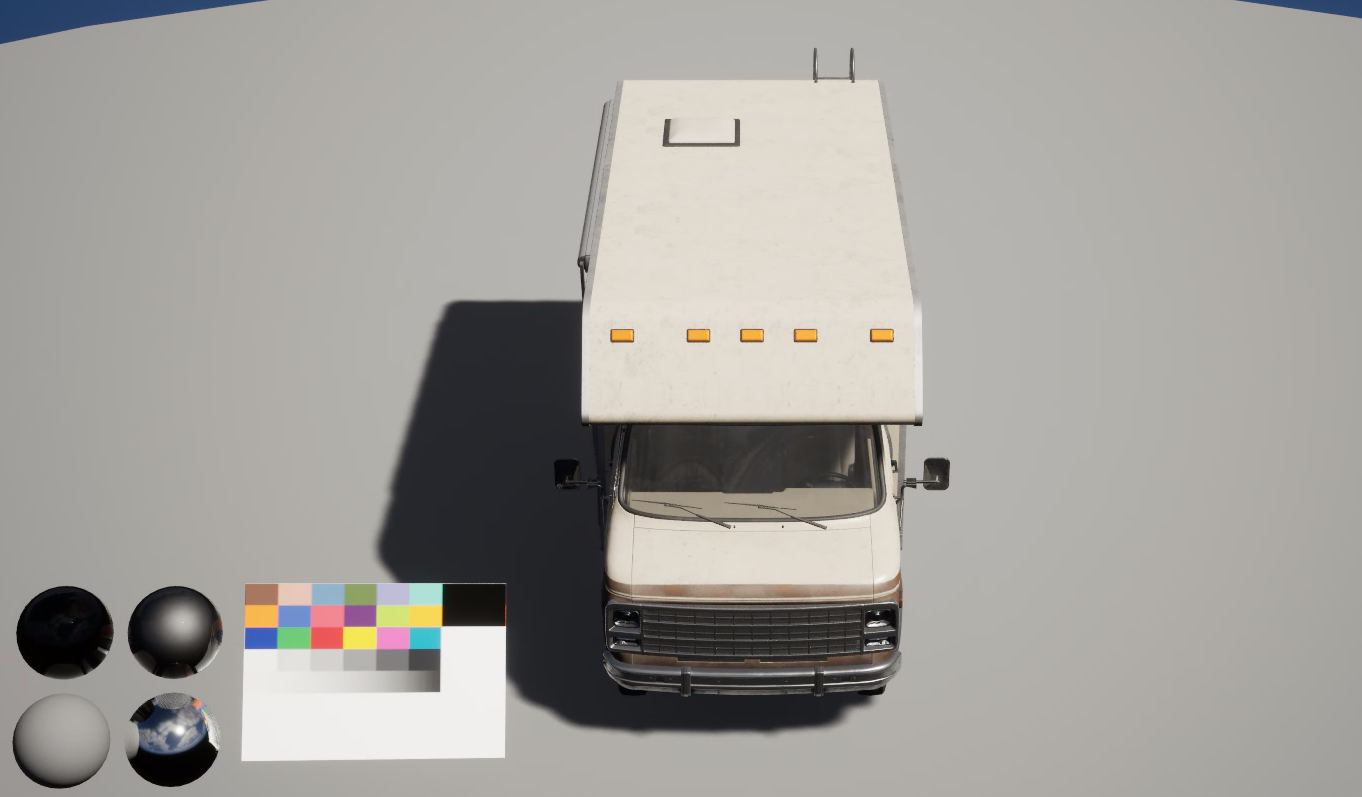
Render Options: In the Render tab, users can configure the render queue by choosing from multiple view modes or creating a composite contact sheet using a Python script. The tool also offers five default IBL options and the ability to add custom IBLs for diffrent lighting senarios. Additional elements, such as scale boxes, Chrome balls, and a Macbeth color chart, can be included to enhance the final output. The tool supports both .mp4 and .exr formats for video exports. Users can adjust start and end frames, resolution, and other parameters.
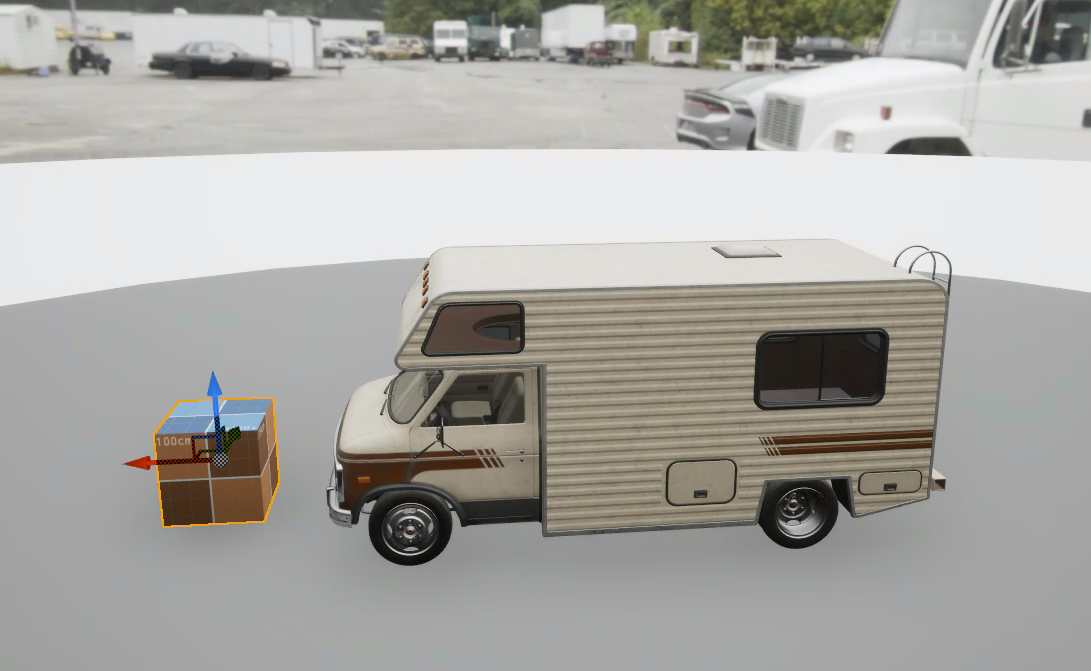
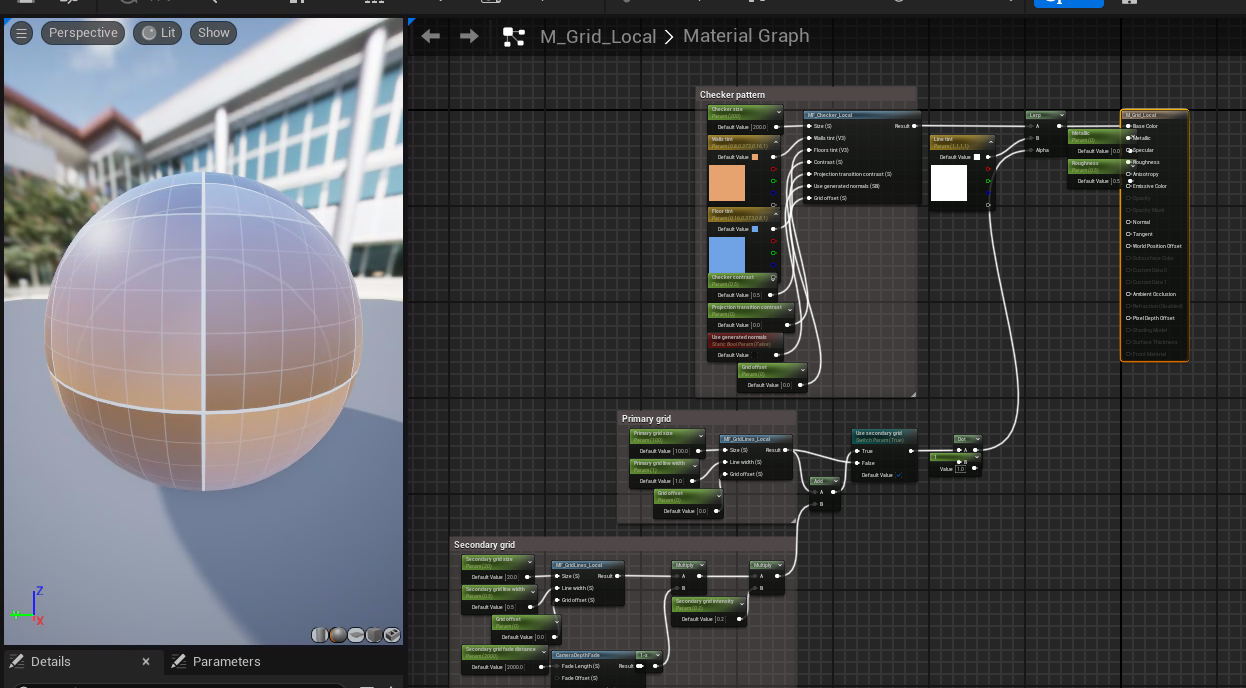
The scalebox can be included in the render, and when enabled, it automatically positions itself beside the asset. It adjusts to match the asset's height and dynamically updates its grid material to display accurate measurements.
How it Works
The Turntable Tool is primarily built using Unreal Engine Blueprints. Supplementary Python helper functions are employed for tasks such as managing render sequences, generating contact sheets, and enhancing workflow automation. A burn-in effect is applied to the final render, incorporating branding or information overlays if desired.
Unreal Engine's Data Assets structure was used to save, load, and edit turtable presets. The rendering process relies on FFmpeg and UE's Movie Rende Queue. FFmpeg is integrated to handle the encoding and post-processing of rendered video files. The pipeline includes automated tasks like creating contact sheets from multiple render passes and generating output files in .mp4 format.
